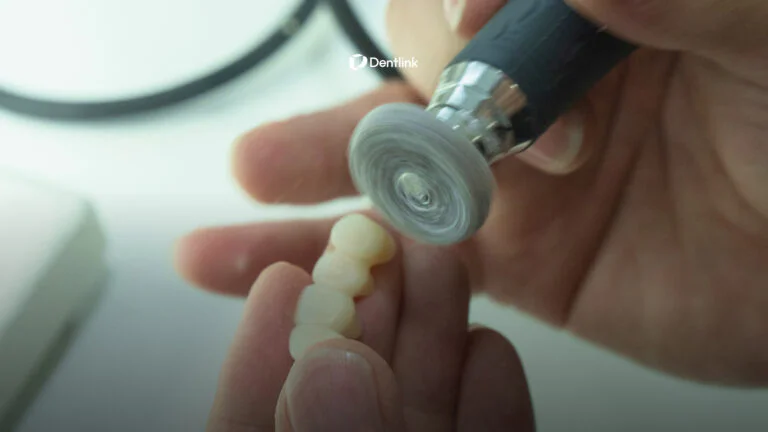
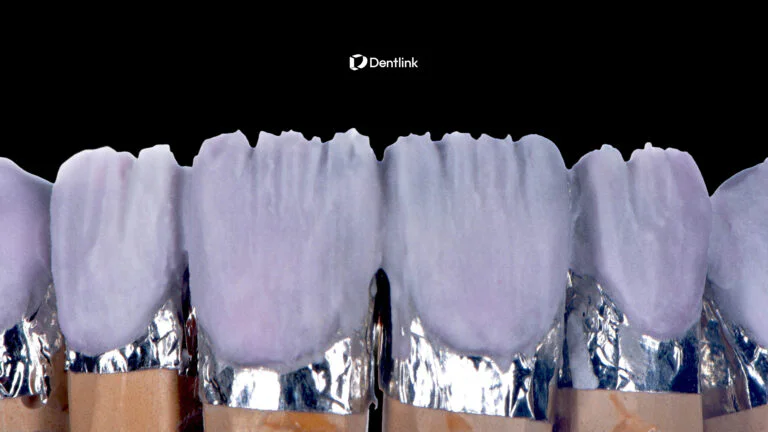
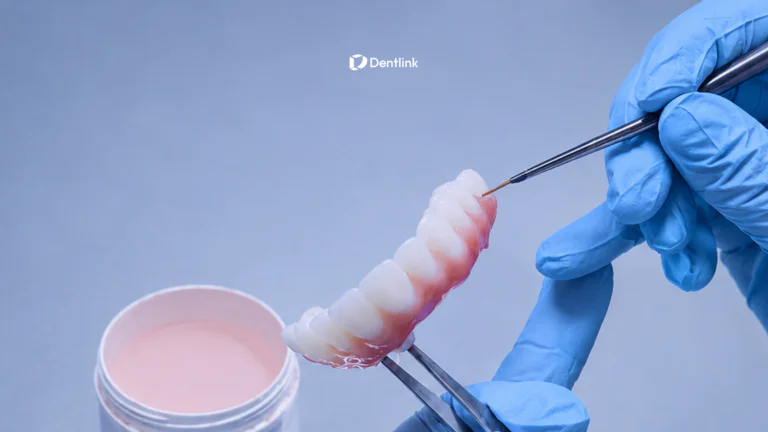
Intraoral Scanner Data: Why Lab Expertise Still Matters
Your intraoral scanner captures the details. But who makes sense of them?
Digital impressions have transformed restorative dentistry, making it easier to capture and send patient data to a dental lab.
Yet even with advanced intraoral scanner technology, clinical scans aren’t always perfect.
An unclear margin. An incomplete surface. A questionable bite registration.
These situations raise an important question: What happens when your scan reaches the lab?
The answer depends on more than CAD software. It depends on the experience and judgment of the dental technician reviewing your case.
At Dentlink, we believe digital precision and skilled craftsmanship work best together.
Your scanner captures the case.
Our masters know what to look for next.
Why Intraoral Scanner Data Isn’t Always Perfect
Intraoral scanners capture digital impressions using optical technology, allowing dentists to record the surfaces needed for restorative treatment.
But scan accuracy is affected by more than the capabilities of the device.
Clinical conditions, scanning techniques, preparation design, and patient-specific factors can influence the data captured.
Some of the most common challenges include:
1. Unclear Preparation Margins
Subgingival margins can be particularly challenging to capture.
Saliva, soft-tissue interference, and limited visibility may prevent the scanner from recording a clearly defined finish line.
A dental technician can review the available data and identify areas that need clarification.
However, if critical margin information is missing, it cannot simply be recreated through CAD design. Additional clinical information or rescanning may be necessary.
2. Missing or Distorted Scan Data
Incomplete surfaces, digital artifacts, and areas of insufficient detail can affect restoration design.
Not every visible irregularity makes a scan unusable. The important question is whether the available data is reliable enough for the specific restoration.
This is where technical judgment matters.
An experienced technician can evaluate the scan, consider the requirements of the case, and communicate when additional information is needed.
3. Bite Registration and Occlusal Information
An accurate preparation scan is only one part of the digital impression.
The opposing arch and occlusal relationship also contribute to restoration design.
When bite data appears inconsistent, the technician may need clarification before proceeding.
Addressing uncertainty before fabrication helps reduce the risk of carrying incorrect information into the final restoration.
Not sure whether a scan needs to be repeated?
Read our clinical guide: Should I Rescan This? What Your Dental Lab Looks for in an Intraoral Scan.
What Happens After Your Intraoral Scan Reaches the Lab?
Completing the scan is the beginning of the digital dental workflow—not the end.
Once the digital impression reaches the lab, the technician must translate clinical information into a restoration that meets the dentist’s requirements.
At Dentlink, this process combines digital technology with the expertise of our master technicians.
Step 1. Reviewing the Digital Impression
Before beginning restoration design, the assigned technician reviews the scan and case information.
Depending on the restoration, this may include:
- Preparation margins and available anatomical details
- Adjacent teeth and proximal contact areas
- Opposing dentition and bite registration
- Material and restoration specifications
- Clinical instructions and dentist preferences
The technician evaluates whether the available information supports the next stage of production.
If something important is unclear, communication with the dentist becomes part of the workflow.
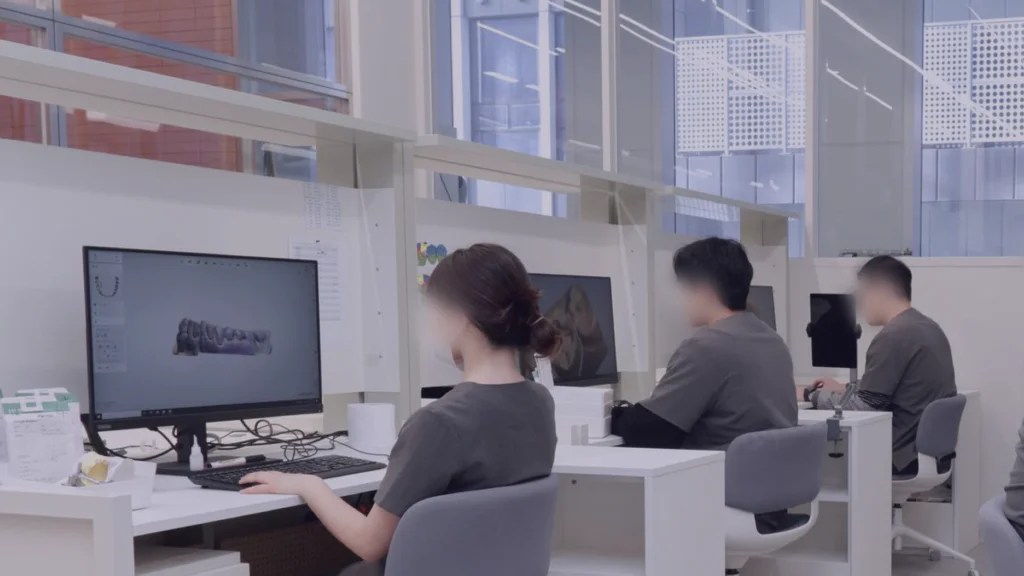
Step 2. Applying Experience During CAD Design
CAD software provides powerful tools for digital restoration design.
But designing a restoration involves more than processing a 3D model.
The technician must interpret the clinical requirements and make appropriate decisions about restoration contours, margins, contacts, and occlusion.
An experienced technician understands that every case presents different technical considerations.
Technology provides the tools. Experience guides the decisions.
Step 3. Precision Finishing and Quality Checks
Once the design is ready, the restoration proceeds through the appropriate fabrication and finishing processes.
The final stages require careful attention to the details established during case review and design.
At Dentlink, our technicians combine digital manufacturing with hands-on expertise and quality control to support consistent restoration quality.
The goal is a restoration that meets the prescribed specifications and supports a more predictable clinical workflow.
Why an Experienced Dental Technician Still Matters
A digital dental workflow can streamline how information moves between the clinic and the lab.
But faster data transfer doesn’t automatically mean better interpretation.
The experience of the person reviewing your case remains important.
For example, when a margin appears questionable, the right response isn’t always to proceed with the existing digital model.
Sometimes the technician needs to review the data more carefully, discuss the clinical situation, or request an additional scan.
Good lab expertise isn’t about making every scan work. It’s about knowing what the case needs before moving forward.
At Dentlink, each case is matched with a dedicated master technician whose expertise suits the restoration.
That technician maintains responsibility for the case through its production process, helping keep the clinical requirements connected to the hands doing the work.
Learn more about how Dentlink’s case-based 1:1 dental technician system works.
Better Dental Lab Communication Starts With Better Questions
What if a technician notices something uncertain in your scan?
The next step should be a clear conversation—not an assumption.
Dentlink supports direct communication between dentists and the technicians working on their cases through linkTalk.
This helps dentists clarify case requirements, discuss scan details, and respond when additional information is needed.
For example, a technician reviewing an unclear margin can ask the dentist to confirm the clinical information before proceeding.
This is especially valuable when the digital impression alone doesn’t answer every question.
Better collaboration helps keep the laboratory workflow aligned with clinical expectations.
See how dental lab communication can help reduce unnecessary chair time.
Can You Use Your Existing Intraoral Scanner With Dentlink?
Yes. You don’t need to replace your scanner just to try a different dental lab.
Dentlink provides connection instructions for commonly used intraoral scanner systems, including iTero, Medit, 3Shape, DS Core, DEXIS, and others.
Depending on your scanner system, you can add Dentlink to your laboratory connections or use an available file-submission method.
The process generally involves three steps:
- Open your scanner’s lab or partner settings.
- Find and connect with Dentlink.
- Select Dentlink when you’re ready to send a case.
Once connected, you can continue using your existing digital workflow while choosing Dentlink as the receiving laboratory.
Find Your Scanner and See How to Connect Dentlink →
Frequently Asked Questions
Can a dental lab fix an imperfect intraoral scan?
It depends on the type and location of the problem. Experienced technicians can evaluate the available scan data and identify areas needing clarification. However, missing critical information—such as an obscured preparation margin—may require a new scan rather than digital correction.
What should a dentist check before sending an intraoral scan?
Review margin visibility, preparation anatomy, adjacent teeth, opposing dentition, bite registration, and any visible scan artifacts. Make sure the prescription includes the necessary restoration details and clinical instructions.
How does an intraoral scanner work with a dental lab?
An intraoral scanner captures a digital impression, which is transferred to a dental laboratory through a supported connection or file-submission method. The laboratory reviews the scan, designs the restoration using CAD software, and proceeds with fabrication after confirming the required case information.
Why does dental technician experience matter in a digital workflow?
Technician experience supports the interpretation of clinical information, recognition of questionable scan details, restoration design decisions, and communication with the dentist when clarification is needed.
Can I send intraoral scans to Dentlink without changing scanners?
Yes. Dentlink supports connections with a range of scanner systems, and other scanners may allow STL file submission. Visit the Dentlink scanner connection guide to see the options for your system.
Your Intraoral Scanner Is Only the Beginning
Digital dentistry isn’t just about capturing data.
It’s about what happens next.
The scan provides the information. The technician brings the experience to interpret it, ask the right questions, and turn it into a custom-made restoration.
At Dentlink, we combine digital workflows with case-specific master technician expertise—because clinical details deserve careful attention from start to finish.
Your scanner captures the case. Our masters take it from there.
Made by Masters.
Ready to See the Difference?
Keep your scanner. Add Dentlink as your lab.
Your first eligible case is free, with no card and no contract required.
Or explore the connection process first:
Connect Your Intraoral Scanner to Dentlink →
Your first crown is on us.
Free implant crown, free scanbody kit, and $200 off your next case. Just send your first scan.
Create your Dentlink account, register your clinic, add Dentlink as your lab in your scanner software, then send your case.